
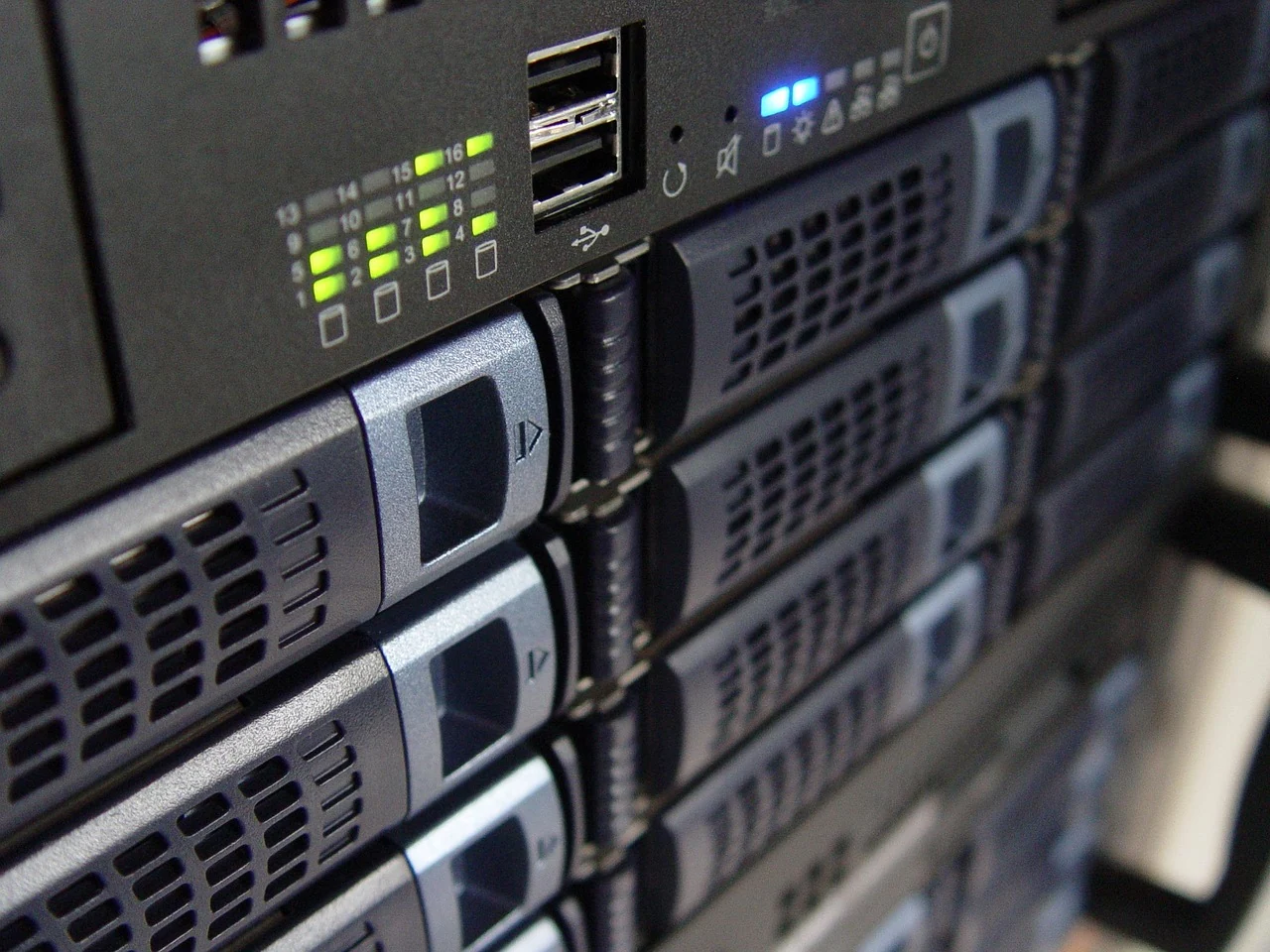
A NAS enclosure is easier to choose when you can explain what it will do in an ordinary week. Start with the files, the people and the devices that need to work together. Then consider the hardware that supports that arrangement. A clear brief gives each specification a purpose and helps you distinguish an essential requirement from an interesting feature you may never use.
This guide takes the decision from that first brief to a small, documented shortlist. Keep a note beside you as you read. You do not need to settle every technical detail at once, but you should know which details remain open and where their answers belong. The goal is a storage arrangement you understand, including the copies that remain separate from the enclosure itself.
Begin with a specific storage job
Write one sentence describing the problem. Perhaps several household computers need access to a shared collection, or you want a central place for finished creative work. Avoid beginning with a bay count or a processor name. Those become useful later, when you can connect them to the actual files and activities that the system must support.
Separate current needs from possible future projects. An idea such as running additional applications can be worth investigating without becoming an immediate requirement. Mark it as a possibility and ask what it would change. This keeps the first comparison manageable and makes it easier to recognise when a more complicated option is solving a different problem from the one you set out to address.
Give the plan a responsible owner. Someone needs to understand the records, review notices and keep the arrangement current. In a household that may be one person with a second person able to find the essential information. In a workplace, use the organisation’s approved process and responsible IT staff. Ownership is part of the decision, even when the equipment looks simple.
Understand the parts of the arrangement
QNAP’s introductory guide describes network-attached storage as a central device reached over a network, typically combining an enclosure, installed drives and management software. Keep those parts separate in your notes. The enclosure is one part of the storage system; the chosen drives, software support and network arrangement also need to fit the job.
Read the actual offer to establish what is included. Keep the enclosure model, any supplied drives and any additional items in separate rows. If a seller’s description leaves a component unclear, ask for the complete reference before comparing it with another offer. A picture of populated drive bays does not tell you everything about the item being supplied.
Record the software and support resources associated with the exact enclosure. Find the maker’s product page, manual and current support information. You are building a small reference set rather than collecting every feature page. The most useful documents explain the model you are considering and help answer the questions raised by your own storage brief.
Make an inventory without changing the originals
List the broad groups of files you want to organise and where they are currently held. Note which are active work, which are completed material and which are difficult or impossible to replace. At this stage, make an inventory rather than moving or deleting anything. Keep the existing files and established backup arrangements intact while you work out what the new system would change.
Use the storage information on your existing devices to inform the estimate, and label anything you have not measured. Keep growth assumptions separate from today’s totals. A library that grows after each project may need a different planning conversation from a largely settled collection. You do not need a precise prediction; you need a visible assumption that you can revisit later.
Think about the way the files are used. Distinguish reading a completed document from editing a large active project or handling several users at once. Write down the applications and client devices involved. This gives the manufacturer or an appropriate technical adviser a meaningful description of the work, instead of asking whether an enclosure is simply fast enough in the abstract.
Give capacity figures their proper context
Keep the drive capacity, proposed storage arrangement and required usable space in distinct columns. Ask the maker to explain the usable-space calculation for the actual configuration, including any space required by the system or features you intend to use. Do not turn a sum of drive labels into an assumed amount of usable room without checking how the chosen arrangement works.
Record how much space you want to leave for ordinary growth and ongoing work. Treat that as a planning choice, not a universal percentage. A useful note explains why the allowance exists and what would prompt a review. This can be more helpful than buying toward an impressive headline total without deciding which files the system will actually hold.
If future expansion matters, find the exact model’s supported options and their conditions. Ask what the proposed change would involve and what preparation it requires. An empty bay or an expansion connector should lead to a question, not an assumption that every later change will be simple. Keep expansion separate from the arrangement you can confirm today.
Match drives by their exact references
Use the enclosure maker’s current compatibility resource for the selected model. QNAP’s compatibility list is one example of this kind of lookup. Record the precise drive reference, capacity and any notes attached to the result. The maker’s drive-compatibility explanation explains that drives within one product family can have different specifications, so a familiar family name alone does not settle the match.
Save the date and source of each compatibility check. Keep a clear distinction between a confirmed listing and a question still awaiting an answer. If the offered drive reference differs from the one you checked, revisit the comparison. The drive-compatibility guide gives this part of the decision its own short worksheet, including the details to bring to manufacturer support.
Treat existing drives as a separate question from new empty drives. A physical fit does not establish that existing data can be reused in another system. Before considering changes to an established arrangement, consult the exact migration documentation and responsible support. QNAP’s migration guidance starts with a recent complete backup; retain protected copies before following any model-specific change process.
Include the room and local network
Choose a prospective place for the enclosure and check its installation information. Note the surrounding furniture, access to connections and the people who use the space. Ask how the maker’s environmental, ventilation and power requirements apply there. Keep the equipment reachable for the attention it needs, while considering how its presence fits the room’s ordinary use.
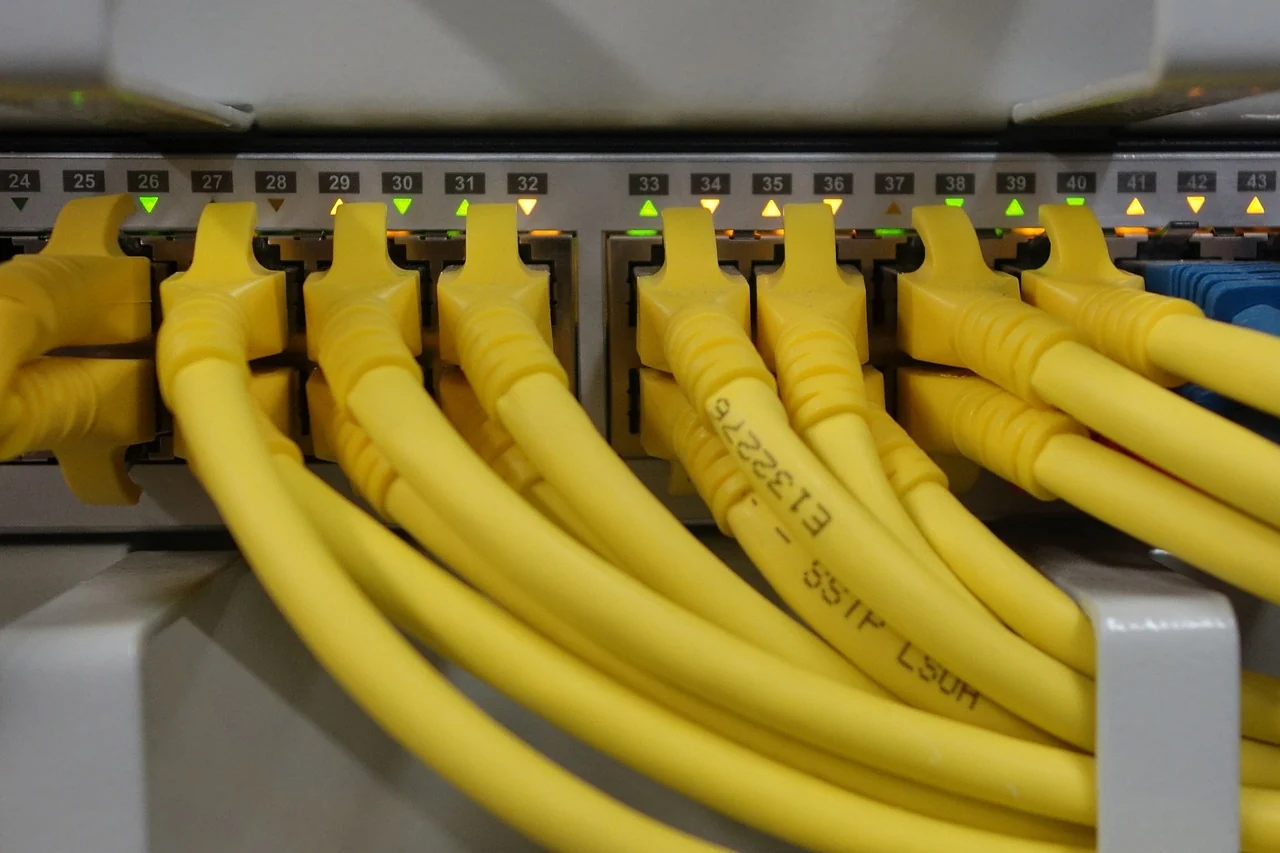
Sketch the local devices that need access and identify who manages the network. Keep this sketch descriptive: computers, the intended storage location and the relevant network equipment. You can then ask whether the proposed arrangement and supported connection methods fit together. The local-network guide helps turn that sketch into a useful conversation without changing router settings as part of the planning exercise.
Make local access the first clearly defined requirement. If access from elsewhere is also important, give it a separate assessment with the responsible network administrator or the manufacturer. QNAP’s security guidance warns against exposing the NAS directly to the Internet. Do not treat a remote-access feature label as confirmation that your particular arrangement has been assessed or configured appropriately.
| Part of the plan | Your note | Evidence to keep |
|---|---|---|
| The job | Files, people and ordinary activities | Your current inventory and priorities |
| The enclosure | Complete model and supplied components | Maker’s specification and exact offer |
| The drives | Exact references and proposed arrangement | Model-specific compatibility result and notes |
| Local access | Devices, location and responsible administrator | Supported connection and access documentation |
| Separate copies | What remains recoverable elsewhere | Backup scope and a considered restore plan |
Plan permissions around real people
Write down who needs to read, add or change each broad group of files. Keep shared material distinct from private material. This is a planning list, not a reason to give everyone the same account or permissions. Ask how the exact software represents users and access so the eventual setup can reflect the needs you have described.
Include what happens when someone’s role changes or a device is replaced. Decide who will review access and where the relevant instructions will be kept. A short, understandable responsibility note is easier to maintain than an elaborate plan nobody owns. Keep passwords and recovery information in an appropriate private record, separate from a general equipment comparison that you may share.
Think about the experience for someone who did not choose the hardware. Can they identify the right place for a file and know whom to contact if access fails? Useful names and a clear division of responsibilities matter alongside specifications. Keep the arrangement understandable enough that ordinary use does not depend on reconstructing the original shopping research each time a question arises.
Put backup beside storage from the start
Redundancy and backup answer different questions. QNAP’s explanation of RAID and backup explains why an arrangement that can tolerate some drive failures does not replace an independent backup. A deleted file or the loss of the whole device remains a different problem. Keep the separate-copy plan beside the enclosure comparison rather than postponing it until after the new storage is full.
Describe which files need another copy, where that copy will be held and who will check that the process is doing what you intend. Keep the source and destination names unambiguous. If several people contribute files, make sure the scope is understood. A backup plan is more useful when it describes the actual material you would need again, not just the name of an application.
Include a considered way to check recovery. Use appropriate instructions and noncritical sample files, restoring into a separate empty destination so the original material is not overwritten. Record what you checked and any question it raised. The backup-planning guide explores this planning work in more detail, including responsibilities and the distinction between stored copies and ordinary synchronisation.
Compare the complete ownership arrangement
Keep a short list of the items and ongoing responsibilities involved in each option. Include the enclosure, intended drives, separate backup resources and any professional help or services you would actually use. Ask the responsible supplier for the current details rather than relying on an old saved headline. Compare options on the same scope so one apparently simple total does not conceal a missing part of the plan.
Look at how you will find support after the purchase. Record the official model resource and the responsible seller’s contact route. Read the applicable terms yourself and ask about anything essential that remains unclear. Keep service assumptions attached to the particular offer; do not assume a response about one product or seller applies automatically to every alternative.
Allow time for learning and maintenance in the comparison. Decide when the responsible person can read notices, review the backup record and follow the maker’s guidance for supported updates. This does not require a complicated calendar, but it does require a realistic owner. An arrangement that fits the household or team’s available attention is easier to sustain than one chosen only for its feature list.
Walk through one household example
Imagine a household with two computers, a collection of photographs and finished documents that both people need to read. Begin by labelling the current originals and existing copies. Then describe which material would be shared and which would stay private. This example supplies a set of questions; it does not determine a particular bay count, drive size or supported configuration.
One person may care most about finding the shared collection easily, while the other wants a clear way to recover an earlier document. Put both needs into the brief. Ask the maker or adviser to identify the supported features that address them, along with their conditions. Keep the ordinary file location and the recoverable copies separately labelled on the same page.
Now change one assumption: a new creative project produces substantially more material than the settled collection. Revisit the measured inventory, growth estimate and backup scope before changing the shopping list. This shows why the initial notes matter. They let you explain what changed and ask a focused question, instead of starting the whole comparison again from a different product advertisement.
A short record to keep
- Describe the storage job.
- Files, people and ordinary activities.
- Present needs and clearly labelled growth estimates.
- Keep the hardware references together.
- Exact enclosure and drive models.
- Dated compatibility results and unresolved questions.
- Include access and separate copies.
- Local users and the responsible administrator.
- Backup destinations, ownership and a considered recovery check.
Make the shortlist easy to explain
Compare a small number of complete options against the same brief. Mark each important point as confirmed, unresolved or unnecessary for the present job. Keep preferences separate from requirements. This makes a trade-off visible: you can see whether an appealing feature answers a real need or merely draws attention away from a question that still matters.
Use one ordinary scenario to read the whole plan aloud. A person opens a file, makes a change, saves it in the intended place and later needs an earlier version or a separate copy. Identify which part of your arrangement answers each step and which detail still needs manufacturer guidance. The exercise is a way to find gaps before committing, without experimenting on existing data.
Finish with the enclosure reference, the drive matches, the local-access plan and the separate-copy arrangement together. Keep the official links and dated answers beside them. When a component or requirement changes, revisit the affected question. A good first NAS decision is one you can explain clearly today and understand again when the system needs attention in the future.
Back to all guides