
Network-attached storage / An independent guide
A clearer home for your data.
Start with the files. Match the hardware. Keep the whole arrangement in view.
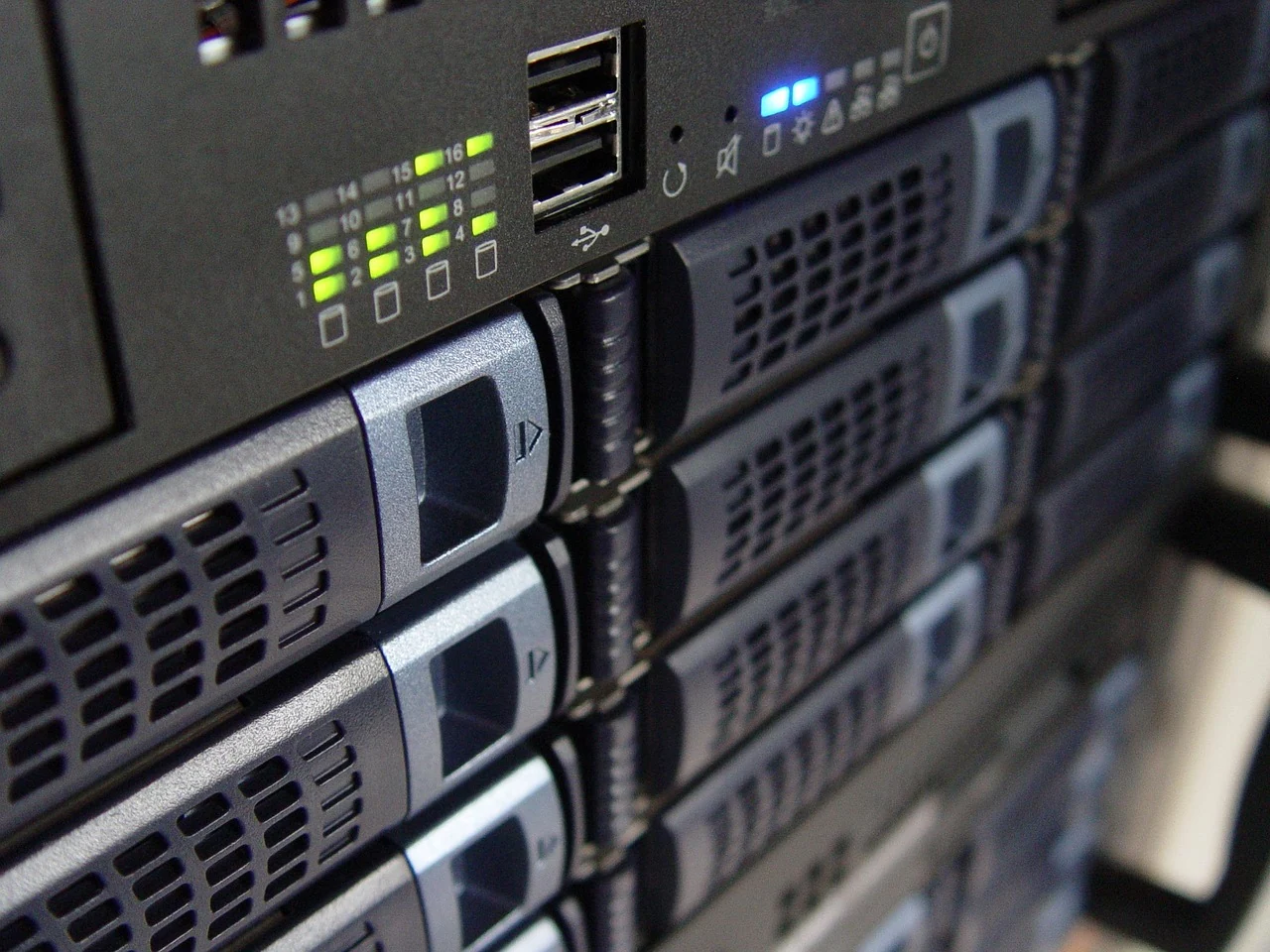
The starting point
What should
the box make possible?
A shared collection. An understood connection. A separate copy when it matters. Give the hardware a job before choosing the model.
Plan your first NAS Files → Hardware → Access → Copies01 / Understand the arrangement
Three parts.
Different jobs.
The enclosure
The exact model, its software and the place it will have in your home or workspace.
The drives
Complete references, a supported match and an understood storage arrangement.
The separate copies
A plan for recovering important files beyond the main enclosure.
02 / Find your next question
Build a plan
you can explain.
Start with the files.
Bring the job, hardware, local access and separate copies onto one page.
Read the complete guide Drive compatibilityKeep the exact reference.
Connect the enclosure and drive with the maker’s current compatibility information.
Check the match Local networkMap ordinary access.
Understand the devices, people and responsibilities around the files.
Plan the connection Backup planningThink beyond the box.
Give important files a separate-copy plan and a considered way to check recovery.
Consider the copies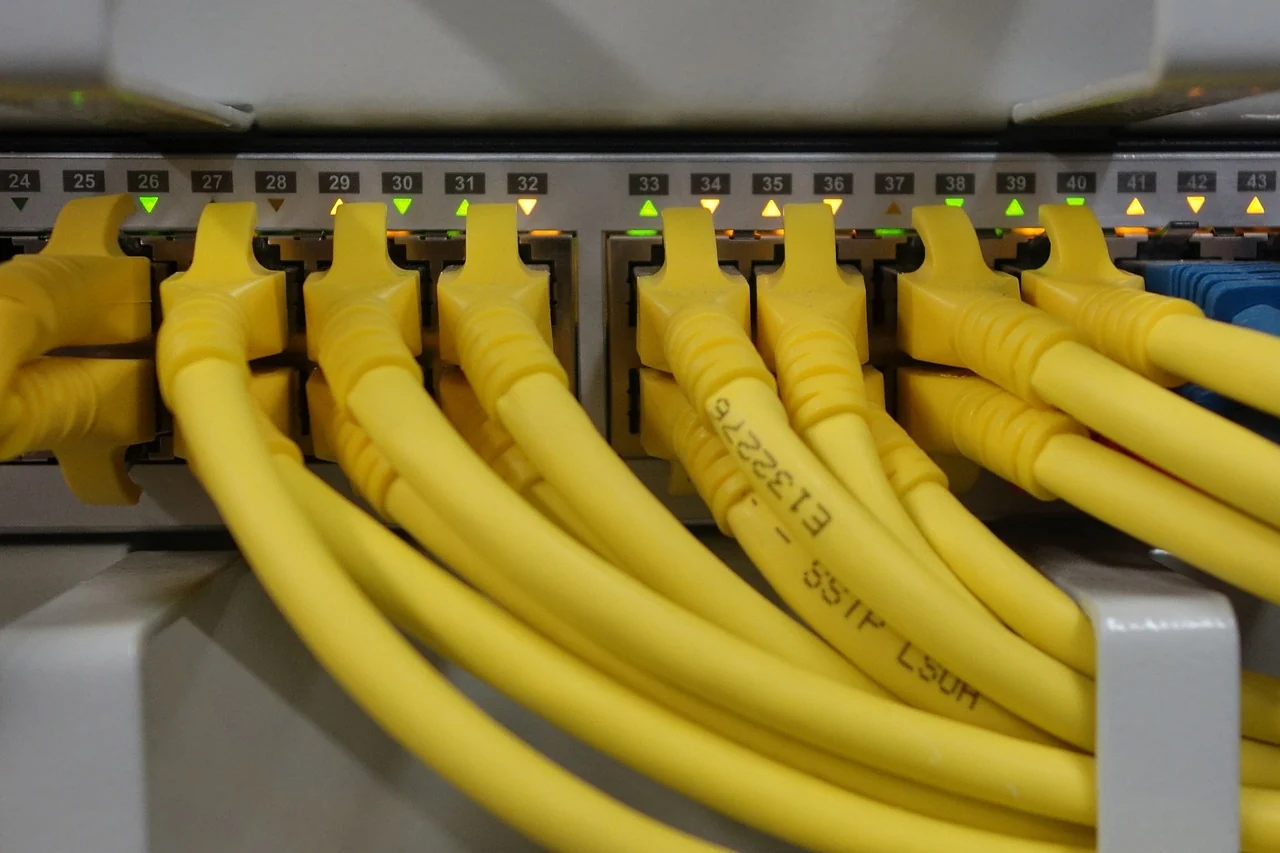
03 / The connection is part of the plan
Local access.
Clear responsibilities.
A short device list and an understandable access plan give the technical questions a useful context.
Read the local-network guideA note to keep beside the shortlist
Name it. Match it.
Keep another copy.
Save the complete model reference, the dated compatibility answer and the separate-copy plan together. Revisit the relevant question when a component or responsibility changes.
Open the storage notes