
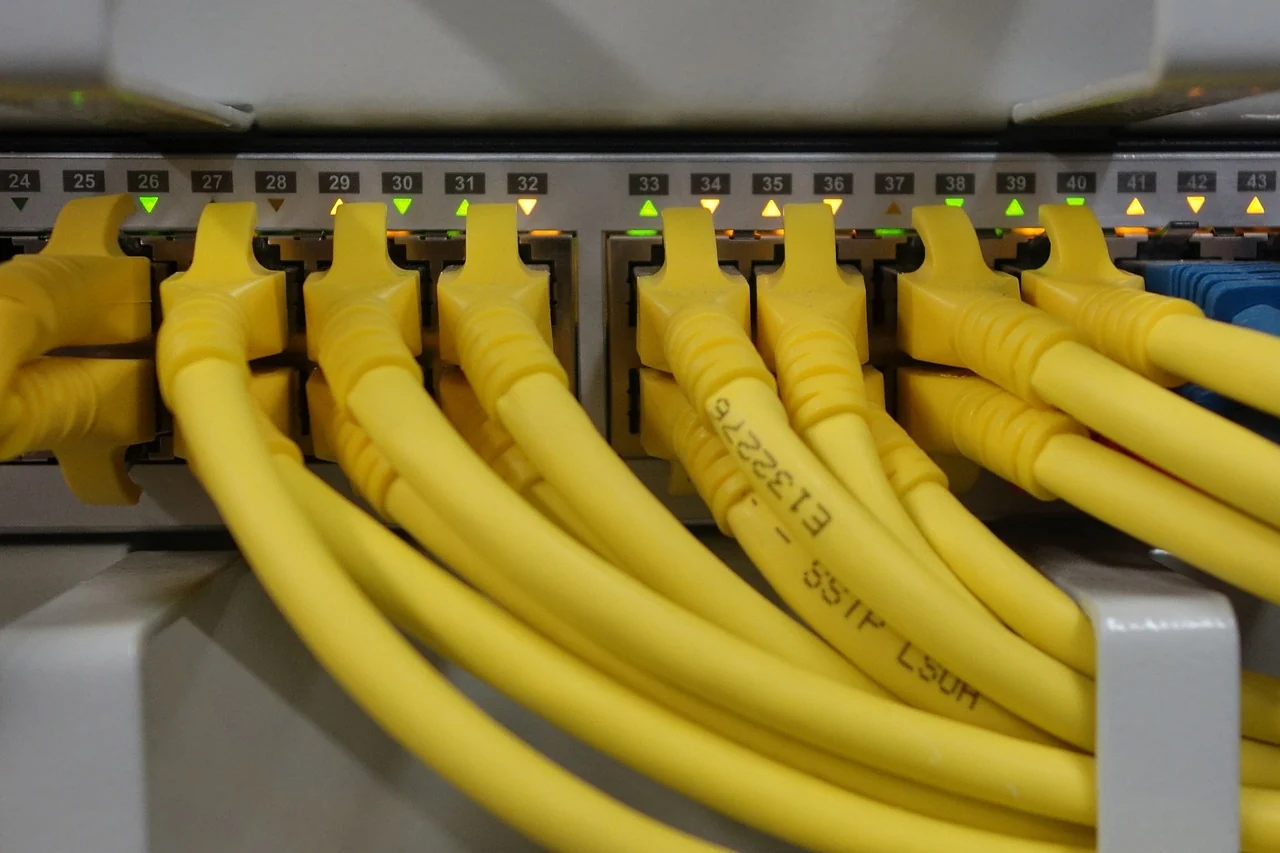
A local-network plan starts with the people and devices that need to reach the files. Sketch that arrangement before comparing connection labels or changing any equipment. Keep the NAS location, the client devices and the person responsible for the network in view. A simple sketch gives technical questions a context and helps separate everyday access from optional uses outside the premises.
Describe the ordinary access
List the computers and other devices you intend to use, with the applications and operating systems involved. Note what each person needs to do with the files. Reading a shared document, adding photographs and working on an active project are different descriptions of use. Bring those descriptions to the maker’s supported-client and software documentation.
Keep a record of the connection equipment already in place without changing its settings. Note which details you know and which need the administrator or provider to identify. The aim is an understandable inventory, not a guessed network design. If this is a workplace or shared managed network, use the responsible organisation’s approved assessment and access process.
Connect the enclosure choice to the whole path
Read the exact enclosure’s network interfaces and supported access methods in its official documentation. Ask how they fit the clients and network equipment in your sketch. A number printed beside one port describes that component; it does not by itself establish the experience of your complete arrangement. Keep any performance requirement framed around the real activity you need to support.
If a particular application or workflow is essential, identify its own requirements too. Ask a precise question with the client, enclosure and network context attached. Avoid collecting settings from unrelated devices because their names look similar. The complete enclosure guide helps place those technical questions alongside capacity, drive compatibility and the other parts of the decision.
Keep local and remote requirements distinct
QNAP’s security guidance advises against direct Internet exposure of the NAS and also explains that a local network can contain risks from other devices. Local access still needs appropriate accounts, permissions and maintenance. Treat access from outside the premises as a separate design question for the responsible administrator or manufacturer, not as a reason to open router ports while exploring a new device.
Write down whether remote access is truly required, by whom and for what activity. It may remain a future question while the local arrangement is planned. Do not assume a feature name confirms that an access method suits your network or data. Keep any eventual remote-access assessment and its responsibilities documented separately from this local-device inventory.
Plan access for actual users
List the broad file groups and who needs to read or change them. Include material that should remain private. Ask how the selected software expresses users and permissions so the setup can follow those needs. Keep routine use separate from administration, and use the maker’s current account guidance with the person responsible for the installation.
Decide who will review access when a person leaves, changes responsibilities or replaces a device. Keep a clear contact for problems and a private place for the appropriate recovery information. General equipment notes can be shared without including passwords, private addresses or account details. This makes the plan useful to the people involved without turning the comparison into a credentials document.
Give the equipment an understood home
Check the proposed location against the maker’s installation and environmental requirements. Include access to connections and the room’s ordinary use in that assessment. If a cable route or power arrangement needs professional work, assign it clearly before delivery. Keep the actual installation questions with the exact enclosure documentation rather than assuming a convenient shelf settles everything.
Allow a small amount of time to review the arrangement after it is in ordinary use. Ask whether people can find the intended files and know where questions belong. Keep a note of issues for the responsible administrator; do not respond by removing access controls or making unreviewed network changes. A clear plan makes later support more focused.
The result should be a short device inventory, an understandable access list and identified ownership. Keep it beside the drive-compatibility guide and backup-planning guide. The enclosure then belongs to a complete local-storage arrangement, with the technical questions connected to real use and the separate-copy plan still visible.
Back to all guides